Preparation and introduction
The clinical team introduces the headset, explains the experience and assesses individual suitability. The patient and accompanying person learn about the experience and how to stop it at any stage.
A virtual reality experience for patients, designed for distraction and stress reduction around examinations and procedures — with patients and clinical routines in mind.
Introducing the experience to the patient and accompanying person, and discussing expectations with the team.
Arrange a product presentationVirtual reality in healthcare organizations
proCalmXR gives patients an immersive content environment to focus on before and during a procedure. The system is intended to fit into the working environment of clinics and hospitals, alongside explanations and personal contact with the clinical team.
The product is developed by proMixed (proMixed), which combines content and XR technology development with experience working with healthcare organizations and institutions.
Arrange a product presentation ↖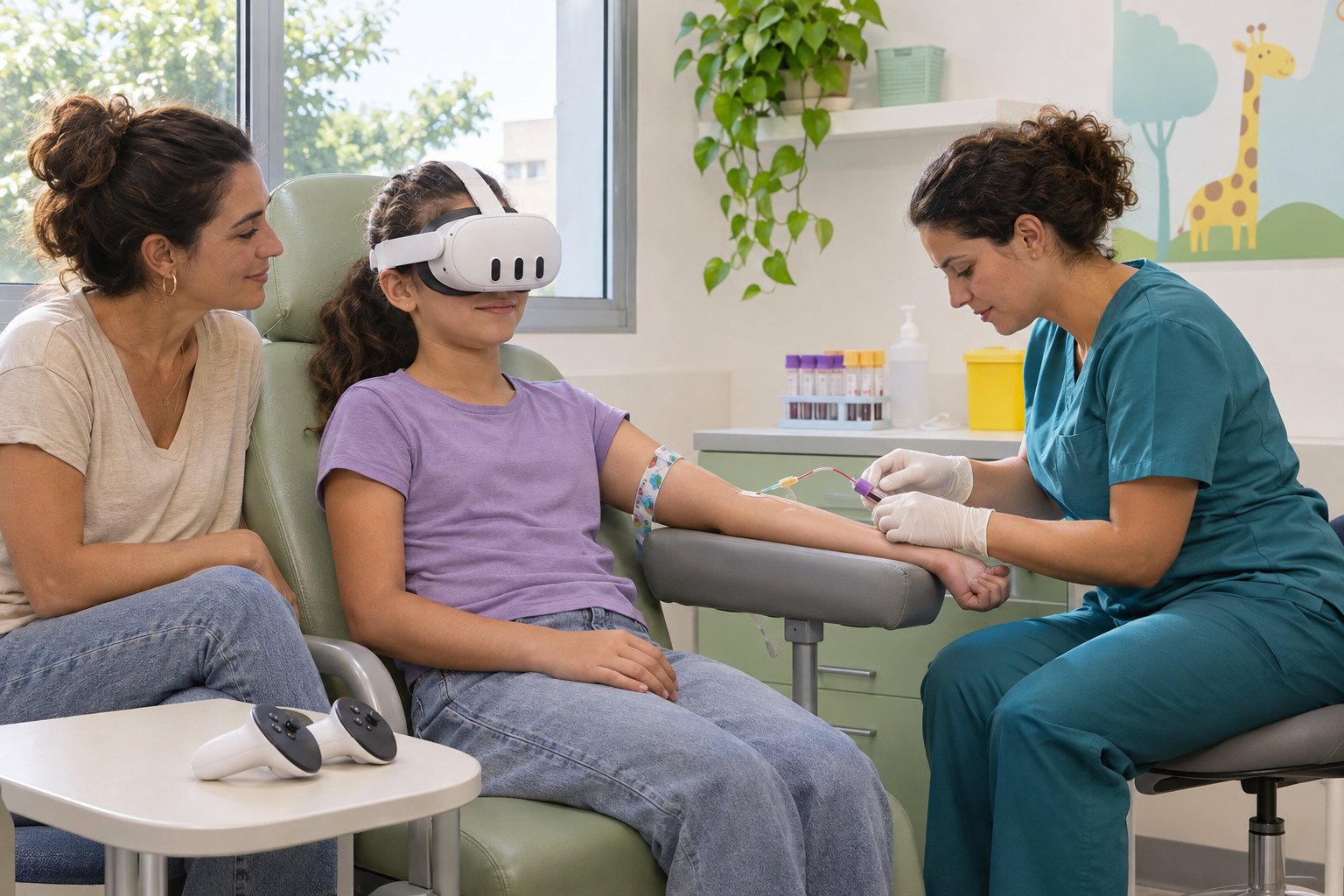
Adults · Before and during the examination
Content and controls are chosen according to the patient's preferences and needs. During the procedure, use without holding controllers can be selected while maintaining an appropriate position, contact with the team and access to perform the procedure.
The three control options ←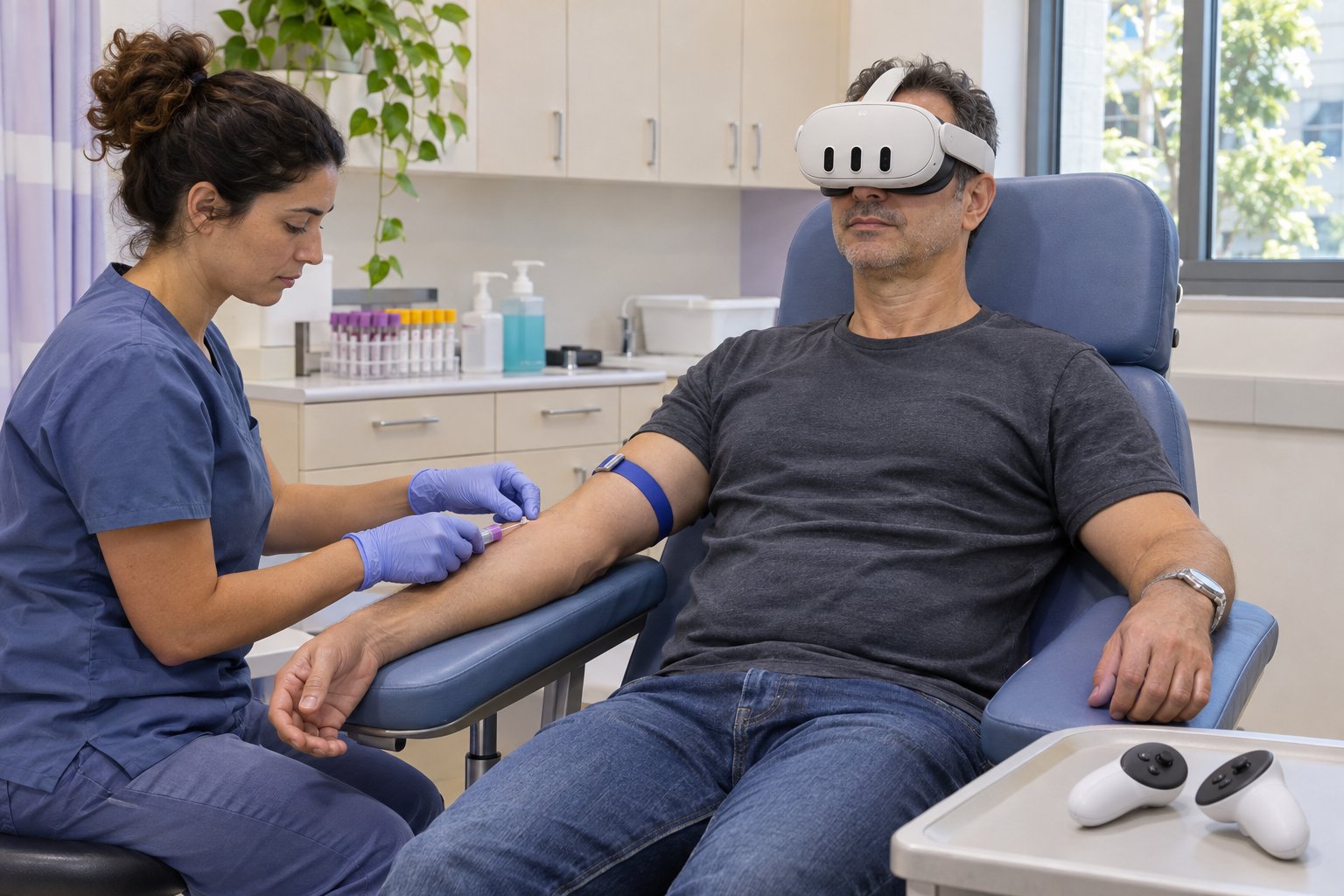
The clinical team introduces the headset, explains the experience and assesses individual suitability. The patient and accompanying person learn about the experience and how to stop it at any stage.
Using selected content in a configuration suited to the procedure, while maintaining communication with the team, the patient's position and access to perform the procedure.
Tailored to the patient population
Planning the experience according to age group, preferences, ability and individual readiness — with content and controls selected together with the clinical team.
A gradual introduction, a simple explanation and guidance from the team and accompanying person
Clear content, simple interaction and tailored pacing
Personal choice of content and type of interaction
Varied experiences with an option for active interaction
Focused, pleasant content based on preferences and the care environment
Accessible operation, a moderate pace and adaptation to ability and comfort
These groups are used for content planning and adaptation; they do not constitute approval to use every equipment model at every age. Wearing the headset is subject to the manufacturer's minimum age and instructions. For groups that do not meet equipment requirements, the introductory stage includes an explanation and a demonstration of the headset without wearing it.
A choice of gaze targeting, hand gestures and controllers, according to the content, patient and product configuration.
Introducing the experience to the patient and accompanying person, explaining the headset and offering a tailored initial experience before the procedure begins.
Experiential content directions at a comfortable pace, considering the user's age, language and preferences. Content options are defined in the product configuration.
Support with planning use, introducing the system and training the clinical team, according to the facility's needs.
An option to integrate a compatible heart rate watch or sensor into a dedicated interface we developed for clinical teams. The extension is offered as an option, subject to technical compatibility.
Heart rate extension details ↖A standalone product available for purchase and implementation, with continued development, adaptations and extension options for organizational needs.
Custom content and environments
The experience can be adapted for different communities and patient populations, taking language, cultural context and user preferences into account.
Environments, content and use scenarios can be developed or adapted to meet specific client requests. Scope, availability and timelines are agreed with the organization during scoping and set out in the proposal.
Discuss custom adaptations ←We will get to know your team, patient population and intended use, and present the product, content and support options suited to your facility.
Use is subject to age suitability, the equipment manufacturer's instructions and the treating team's decision. Product and service scope is defined in the proposal. proCalmXR does not replace medical treatment or judgment; its clinical efficacy has not yet been demonstrated. Site images are for illustration only.